Published on 25 July 2024
How to Rank Higher in Google Maps in India: Complete Guide
Learn proven strategies to improve your Google Maps rankings in India. Boost visibility, attract more local customers, and grow your business with our comprehensive guide.
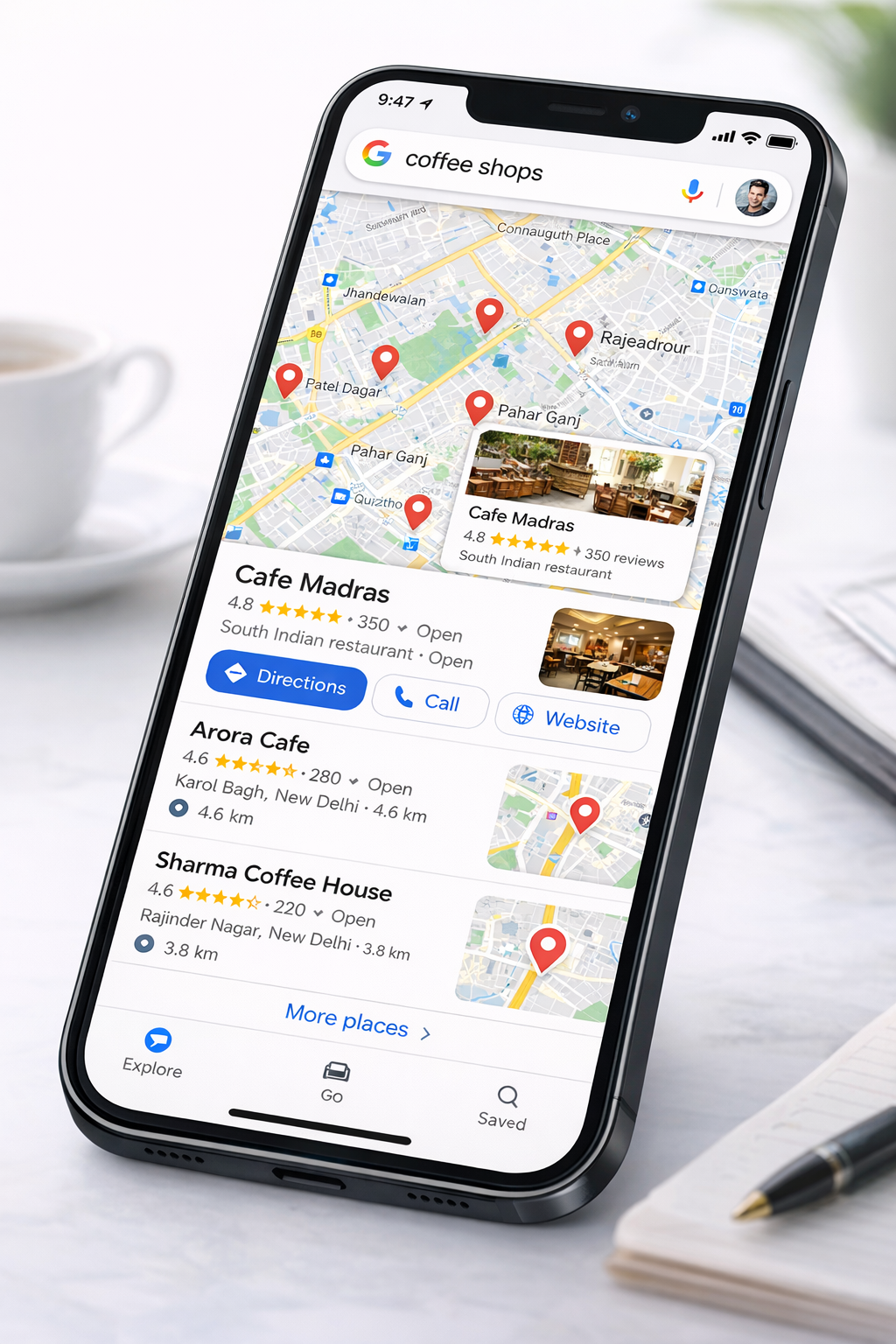
How to Rank Higher in Google Maps in India: A Complete Guide
Ranking high in Google Maps can be the difference between a thriving business and one that struggles to find customers. In India, where local search is dominant, appearing at the top of Google Maps results can drive significant foot traffic and sales. Here's your comprehensive guide to dominating Google Maps rankings.
Understanding Google Maps Ranking Factors
Google Maps rankings are determined by three main factors:
- Relevance: How well your business matches the search query
- Distance: How close your business is to the searcher's location
- Prominence: How well-known and trusted your business is
While you can't control distance, you can optimize for relevance and prominence.
1. Optimize Your GMB Profile for Local Keywords
Include location-based keywords naturally throughout your GMB profile:
- Business name (if allowed by Google's guidelines)
- Business description
- Services section
- Google Posts
- Q&A answers
Example: Instead of "Best Restaurant," use "Best North Indian Restaurant in [Your City]."
2. Build a Strong Review Profile
Reviews are one of the most important ranking factors:
- Quantity matters: Aim for 50+ reviews over time
- Quality matters: Encourage detailed, positive reviews
- Recency matters: Ongoing review collection is crucial
- Response rate: Respond to all reviews to show engagement
3. Ensure Consistent NAP Citations
Your business information must be consistent across:
- Your website
- GMB profile
- Local directories (Justdial, Sulekha, 99acres, etc.)
- Industry-specific directories
- Social media platforms
Use tools to audit and fix any inconsistencies.
4. Generate Regular Google Posts
Active profiles rank better. Post at least weekly about:
- New products or services
- Special offers and promotions
- Events and workshops
- Business updates
- Customer testimonials
Each post should include relevant keywords and high-quality images.
5. Add Photos Continuously
Photos signal an active, legitimate business:
- Add 5-10 new photos monthly
- Showcase different aspects of your business
- Include photos with location geotags
- Respond to photo reviews from customers
6. Build Local Backlinks
Earn links from local websites to boost prominence:
- Local news sites
- City-specific directories
- Community blogs
- Event pages (if you sponsor events)
- Local business associations
7. Create Location-Specific Content on Your Website
Develop content targeting your local area:
- "Best [Service] in [City]" pages
- Local neighborhood guides
- City-specific landing pages
- Local case studies and testimonials
Link these pages from your GMB profile.
8. Encourage Check-ins and Visits
When customers visit and check in:
- It signals to Google that your business is legitimate
- Creates social proof
- Can lead to more reviews
Make check-ins easy by ensuring your location is easy to find.
9. Use GMB Attributes Strategically
Select all relevant attributes:
- Accessibility features
- Amenities (WiFi, parking, etc.)
- Service options (delivery, takeout, dine-in)
- Payment methods accepted
These help you show up for filtered searches.
10. Monitor and Optimize Based on Insights
Regularly review your GMB Insights:
- Which search queries show your listing?
- Where are your customers coming from?
- What actions do they take?
- What days/hours are most popular?
Use this data to refine your strategy.
Common Mistakes to Avoid
- Keyword stuffing in business name
- Inconsistent NAP information
- Ignoring reviews (not responding)
- Inactive profile (no posts, no photos)
- Choosing wrong or too generic categories
- Not verifying your business
- Multiple listings for the same location
Measuring Success
Track these metrics monthly:
- Ranking position for key searches
- Number of profile views
- Search queries that find you
- Customer actions (calls, directions, website clicks)
- Review count and average rating
Ranking high in Google Maps requires consistent effort and optimization, but the rewards in terms of visibility, customer acquisition, and revenue growth make it worth the investment.